Getting started / GUIDE 02
Moving Comfortably Through Doors and Around Furniture
You start a round, hold a movement key, and immediately catch a corner of a desk. The camera follows you, a wall fills the screen, and suddenly the simple trip to the next room feels awkward. The easiest way to get comfortable is to practice a short journey with one AI hider. You can learn the house without a seeker interrupting, and any discovery along the way is a welcome bonus rather than the purpose of the exercise.
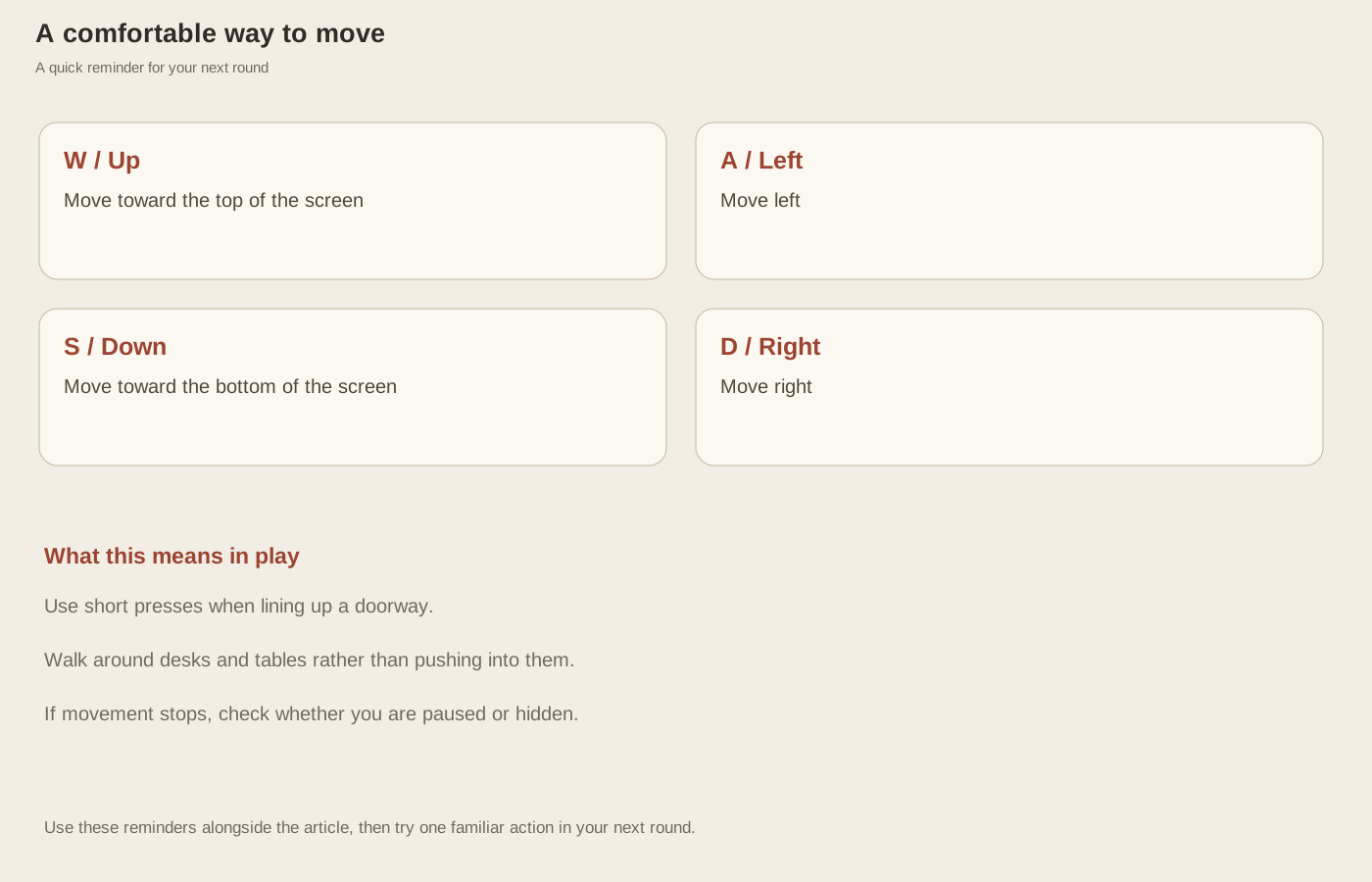
Find the keyboard layout that feels natural
W moves up, A moves left, S moves down, and D moves right. The arrow keys do the same jobs, so use whichever arrangement is more comfortable. Try each direction briefly in the corridor before entering a room. Your character starts near the lower end of the downstairs corridor, with stairs and an elevator farther down. Move toward a room entrance while you are getting used to the keys.
You can hold two directions to move diagonally, but it does not make you faster. Use diagonal movement to steer across open floor, then simplify to one direction when lining up a narrow opening. Long, uncertain key holds often create more corrections than a few short presses. Release the keys when you want to read a room name or check the prompt beside furniture.
Aim through the middle of an entrance
Room entrances are gaps in the walls. You walk through them; you do not need to press F to open a door. If you stop beside an entrance, take a small step toward the middle of the gap and try again. Looking at the character's feet can help you judge where you are relative to the wall, especially while the camera is moving.
Furniture also blocks your path. A desk can stop you even when it is not a hiding place. If a movement direction is blocked, step into the open floor alongside the object before continuing. Pushing the same key harder or repeatedly pressing F will not move a table out of the way. Give large furniture a little extra space until the room feels familiar.
Let the camera follow without chasing it
The menu shows a broad view of the house, but a round brings the camera closer to your character. The moving scene can make it seem as though a doorway has shifted. Keep your attention on the character and the nearest clear piece of floor. The house has not changed; you are simply seeing a smaller part of it at a time.
If you lose your bearings, return to the central corridor. Check whether the floor label says 1F or 2F, then choose one nearby entrance. A familiar landmark is more useful than turning in circles around several pieces of furniture. The stairs and elevator at the bottom of the corridor are especially easy to recognize when you need to reset your sense of direction.
Practice a trip you will use in real rounds
From the starting corridor, enter the reading room on the lower left. Walk around the desk, reach the bookcase prompt, and press F once. Return to the corridor, then repeat the trip using the other keyboard layout if you want to compare. Your aim is a smooth journey with clear stops, not a perfect time or a lucky discovery.
When movement becomes unresponsive after a pause, press your chosen direction again. If you are hidden, press F to leave before trying to walk. These two situations can feel like movement problems, but each has a simple visible clue: the pause overlay or the Hidden status. Once you can tell them apart from an ordinary blocked corner, navigating the villa becomes much less frustrating and leaves more attention for the actual search.