Getting started / GUIDE 07
Pausing a Round and Knowing What Happens Next
You are halfway through a search when someone calls you away. Or you have finally reached a hiding place and want a moment to understand the screen. Villa Hide & Seek lets you pause without throwing away that round. The important choice is whether you want to continue the same situation, start fresh, or return to the menu. Learning those options makes the game easier to fit around everyday interruptions.
Read the clock for the role you chose
When you seek, the two-minute search begins as soon as the round starts. The AI characters are already hidden, so you can head straight toward your first room. You need to find everyone before time runs out. An early discovery is encouraging, but the round continues if other hiders remain. The found total is the quickest way to see how much work is left.
When you hide, you first receive twenty seconds to prepare. Use that opening to reach a real hiding place and press F. The countdown then changes to the two-minute search. Your task is to survive that search rather than find anybody. Keeping the two phases separate helps you avoid leaving preparation until the last moment or mistaking the end of preparation for the end of the whole round.
Pause when you need attention elsewhere
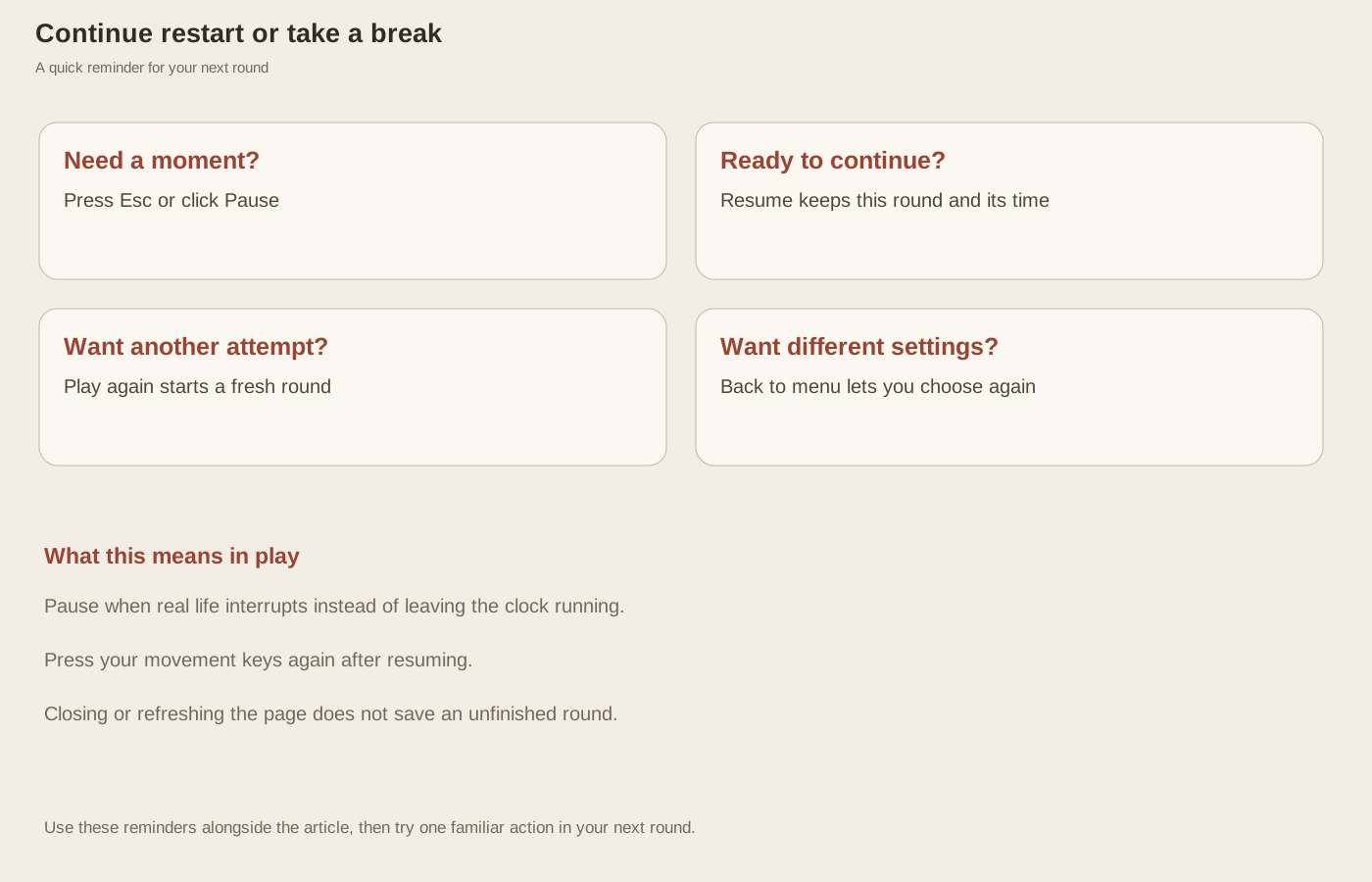
Press Esc or click Pause during play. The overlay appears, and the game waits for you. Your character, the seekers, and the clock stop advancing. You can take a breath, answer a question, or think through the visible situation without spending your remaining search time. A paused round does not move everyone to new places or begin again behind the overlay.
The game also normally pauses when you switch away from its window. When you return, look at the screen before holding movement keys. If the pause overlay is there, resume first. Then press the direction you want again. This small habit prevents a confusing return in which you expect an earlier held key to continue moving your character.
Continue or restart deliberately
“Resume game” returns to the same round. If you were hidden, you remain in that spot. If you had found three hiders, the found total stays at three. The remaining time is preserved too. Choose Resume when you still want to solve the situation you paused, even if the round has become difficult or your next destination is uncertain.
“Play again” appears after a finished round and begins a fresh attempt. You keep the selected role and opponent count, but positions and hiding choices are renewed. Do not expect the character you found in the kitchen last time to be there again. A replay is a new opportunity to use your route knowledge, not an exact repeat of the previous answer.
Leave the game without expecting a saved round
“Back to menu” ends your current attempt and lets you choose a different role, count, or avatar. Use it when you want a calmer practice setup or are ready to change activities. You do not have to finish an uncomfortable five-seeker round before returning to one seeker. The menu is a place to reset your choices rather than a penalty screen.
Refreshing or closing the page does not preserve an unfinished match. If you want to continue the exact round, keep the page open and use Pause. A personal uploaded avatar also needs choosing again after a refresh. Before leaving a completed search, read any remaining locations in the result; they can explain which room you missed. Remember one useful lesson, then return when you have time for another round, without needing a complicated record of every attempt.