Everyday help / GUIDE 28
Troubleshooting Movement Hiding and Search Problems
You press F and nothing happens, find yourself stuck beside a desk, or lose a round while standing somewhere that looked hidden. Start with the screen in front of you rather than changing several things at once. This guide helps you work from the visible problem to one useful next action. Usually the prompt, pause overlay, floor label, or Hidden status gives you a better clue than repeatedly pressing the same key.
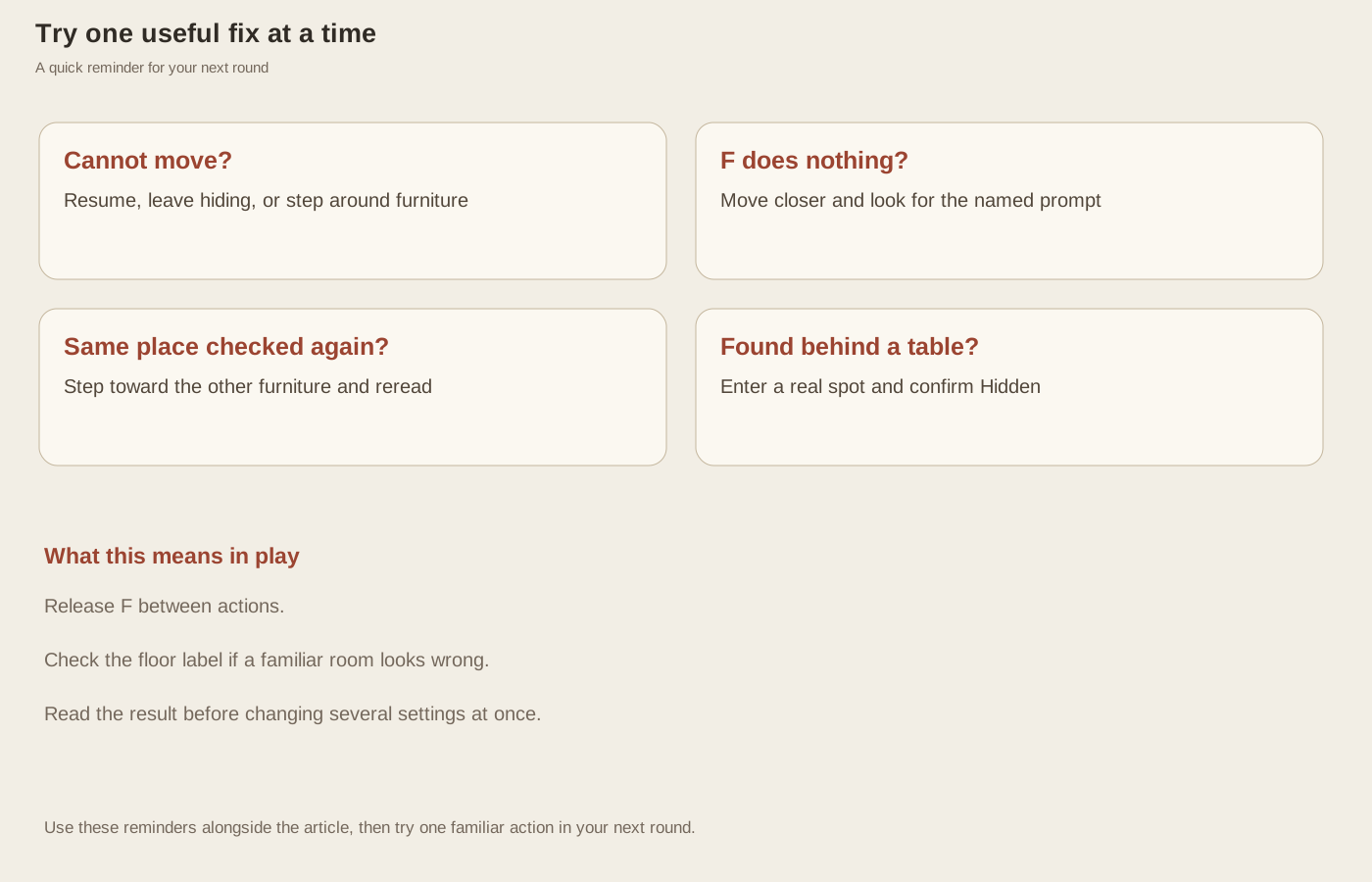
If movement seems unresponsive
First confirm that a round is active rather than paused, on the menu, or showing a result. Resume a paused round before testing movement. If you are hidden, movement keys intentionally do nothing until you press F to leave the spot. The Hidden status is the clearest indication. Once you leave, try a short movement into visibly open floor instead of holding a direction directly into furniture.
If movement works in one direction but not another, a wall or piece of furniture is probably in your way. Desks, beds, baths, tables, and decorative objects can block walking even when they are not hiding spots. Move around their edges and use gaps in walls. Inputs in a select or file control are also treated differently from gameplay keys. After using a form control, return focus to the game before testing a short WASD or arrow-key press.
If F seems to do nothing
Look for the interaction prompt. If it is missing, walk toward the open side of the furniture shown in the room guide. A large object can be close without being ready to use from that side. Some desks, sofas, and the bath are simply scenery. If no name appears, choose a confirmed hiding place rather than spending the countdown trying to make an unfamiliar decorative object respond.
Release F between attempts. The input handler ignores repeated keydown events, so holding the key is not an automatic search or hide command. If you are already hidden, the first press leaves the current spot instead of entering a different one. Near the elevator, its interaction has priority over furniture and can consume an attempt while the floor-transition cooldown is active. Move to the intended target and read the prompt again.
If the wrong place is checked
When two hiding places are close together, read the prompt to see which one F will use. The storage boxes and wardrobe are close, and the bedroom bed and wardrobe have another nearby pair. Repeating F from an unchanged position can check the same place again. Move closer to the desired approach until its name replaces the previous prompt. A room visit is not complete merely because you pressed F the expected number of times.
If a seeker round still has remaining hiders after your route, use the timeout result to identify the missed spot. AI hiders do not relocate in this mode, and the supported pool contains exactly twelve places. An apparently missing character is usually an unchecked target, a room left incomplete, or confusion between upstairs and downstairs. The result's floor and furniture names are more useful than guessing from memory alone.
If you were found while apparently concealed
Standing behind furniture does not automatically mean you are hidden. Enter a real spot with F and look for Hidden. If you are still outside, a nearby checking seeker can catch you without a long chase. Read the loss message: it helps distinguish being discovered inside your chosen place from being caught while exposed. Use that difference to decide whether your next attempt needs earlier hiding or a calmer decision about moving.
If you unexpectedly change floors, you may have walked onto the stairs at the bottom-left side of the corridor. Check the floor label, release movement, and move north after your next arrival. If the whole page seems unresponsive, try returning to it and checking whether it paused. Remember that refreshing starts a new visit rather than preserving the round, so use the pause controls first when you still want to continue the current attempt.